
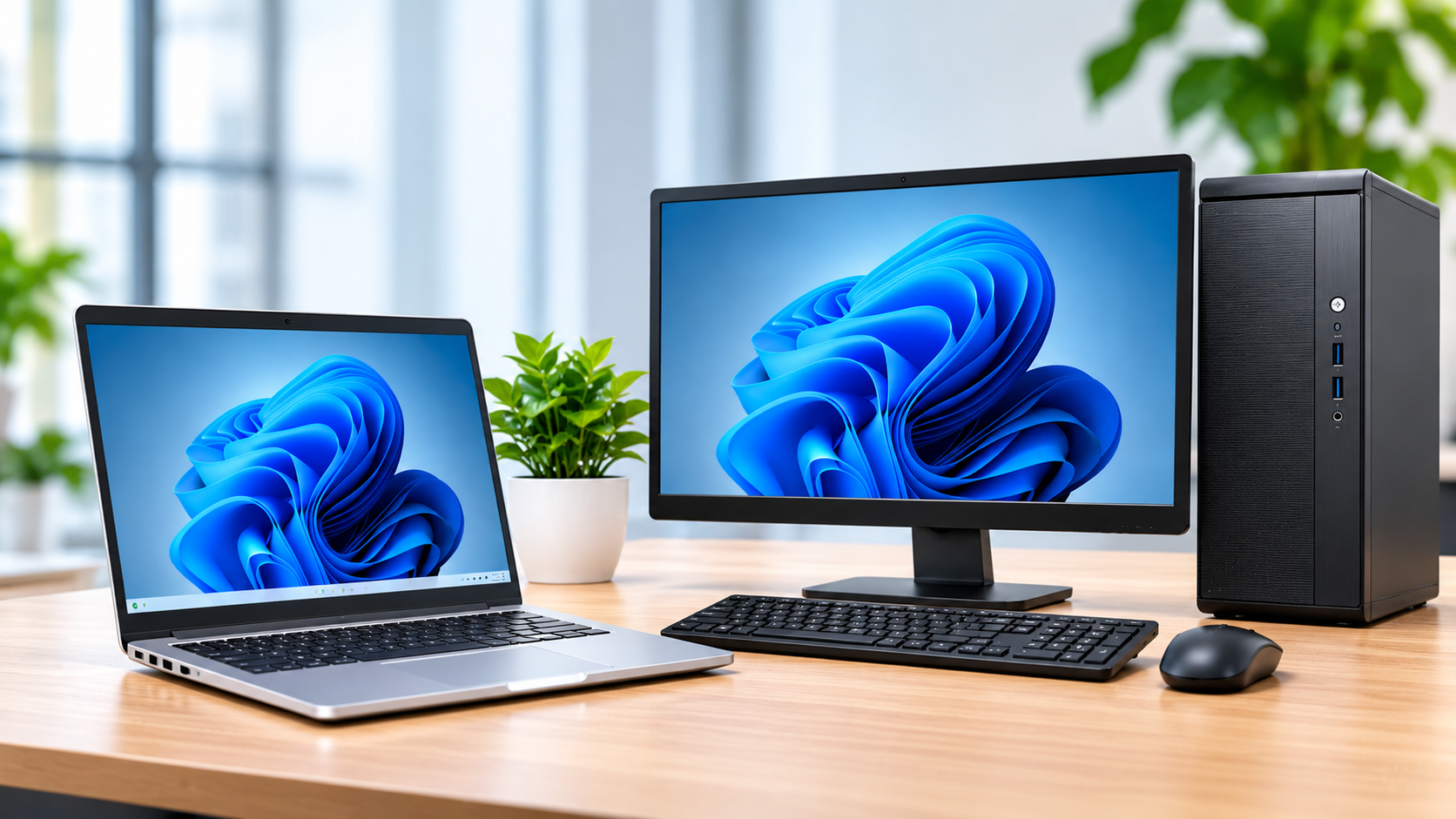
Choosing the right laptop or computer involves more than comparing prices and specifications. Whether you need a device for business, school, remote work or professional applications, the goal is to find one that delivers reliable performance and value for money.
Here are the key factors to consider before making your purchase.
1. Choose the Right Processor
The processor (CPU) determines how efficiently your computer handles applications and everyday tasks.
When comparing processors, consider the generation and exact model, not just labels such as Intel Core i5, Core i7 or AMD Ryzen 5. A newer-generation Core i5 can outperform an older Core i7, depending on the models being compared.
For everyday office work, browsing and business applications, a modern mid-range processor is usually sufficient. More demanding tasks such as video editing, software development and graphic design may require greater processing power.
2. Get Enough RAM
RAM helps your computer handle multiple applications simultaneously. Insufficient memory can affect performance, particularly when multitasking.
As a general guide:
8GB: Basic office work and browsing.
16GB: Business applications and everyday multitasking.
32GB: Software development, creative work and demanding applications.
For most professionals, 16GB is a good starting point.
3. Prioritise SSD Storage
An SSD improves boot times, application loading and overall responsiveness compared with traditional hard drives.
Consider the following capacities:
256GB: Basic use and cloud-based storage.
512GB: Suitable for most business and professional users.
1TB: Ideal for larger files and extensive software installations.
For most users, a 512GB SSD offers a good balance between capacity and practicality.
4. Check Battery Life and Build Quality
Battery performance is particularly important if you travel or work away from a desk. Remember that advertised battery life may differ from actual usage.
Also examine the display, keyboard, webcam, ports, hinges and overall construction. These features directly affect everyday comfort and usability.
5. Buying Refurbished? Inspect Carefully
Refurbished laptops can provide excellent value, especially when purchasing professional business models.
Before buying, check:
Physical condition, including the screen and hinges.
Battery health and charging performance.
Actual processor and RAM specifications.
SSD condition.
Charger compatibility.
Warranty coverage and replacement options.
Always purchase from a supplier who clearly describes the device's condition and provides reasonable after-sales support.
6. Consider Long-Term Value
Look beyond the initial purchase price. Consider warranty coverage, availability of spare parts, upgrade options and future maintenance costs.
A slightly more expensive computer may offer better long-term value if it is more reliable, easier to maintain and better suited to your workload.
Final Thoughts
The best IT gadget is not necessarily the most expensive one. It is the device that meets your requirements, performs reliably and fits your budget.
For most business users, a modern processor, 16GB RAM and a 512GB SSD provide a solid starting point. However, always consider your specific applications and working requirements before deciding.
Need help choosing the right computer? Contact LINCTECH SOLUTIONS for guidance on selecting IT equipment that matches your needs and budget.
Need help putting this into practice?
Talk to LINCTECH about the technology, support or infrastructure your business needs.
Talk to our team